Safe Notes 2
The private notebook for the things you don't want anyone else to see. Notes, checklists, photos and voice memos live behind your PIN or fingerprint – and stay on your device unless you decide to back them up to your own cloud.
The brand-new version of Safe Notes, rebuilt from the ground up with folders, folder passwords, speech-to-text and a fresh design.
More than text
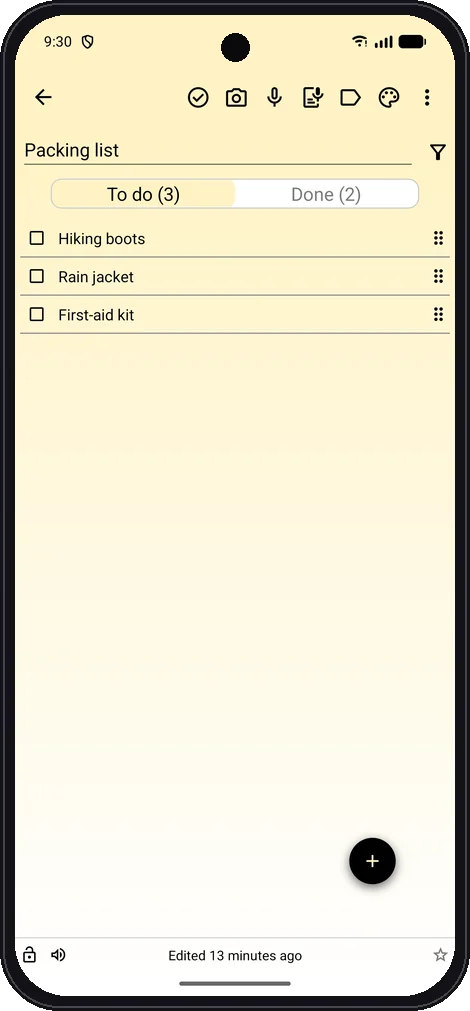
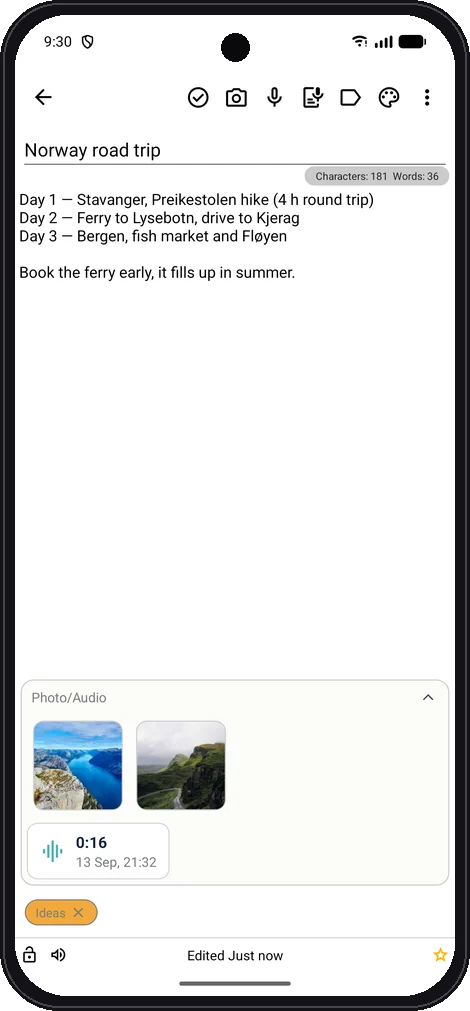
Snap a photo straight into a note, record a voice memo without leaving it, or dictate instead of typing. Turn any note into a checklist, tick things off, drag items into order and give them a due date. Everything you write is kept in an encrypted database on your phone or tablet, and works without an internet connection.
Locked, the way you want
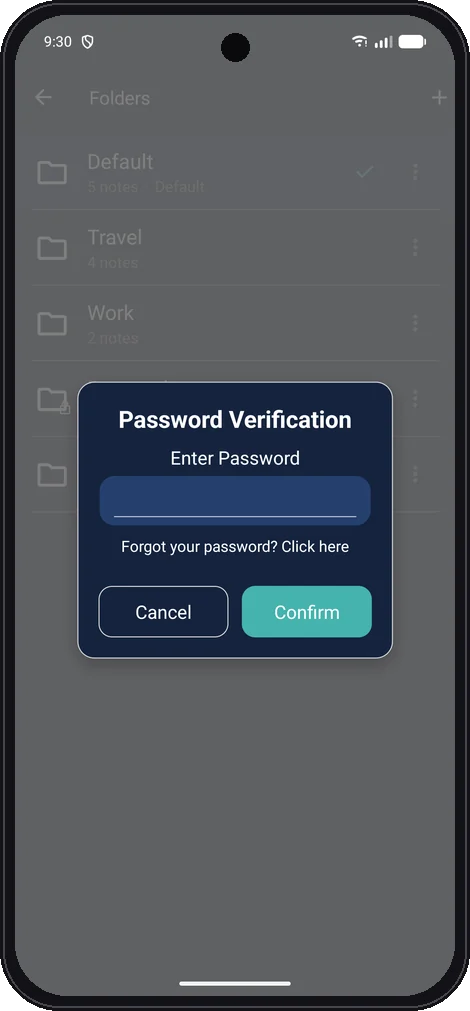
A PIN, your fingerprint or your face to get in – and a password of its own for any folder you want to keep extra private.
Privacy protection.
Unlock with a PIN, fingerprint or face. The app locks again as soon as it goes to the background, folders can have their own password or be hidden from the list, screenshots can be blocked, and a decoy PIN opens a harmless, separate set of notes.
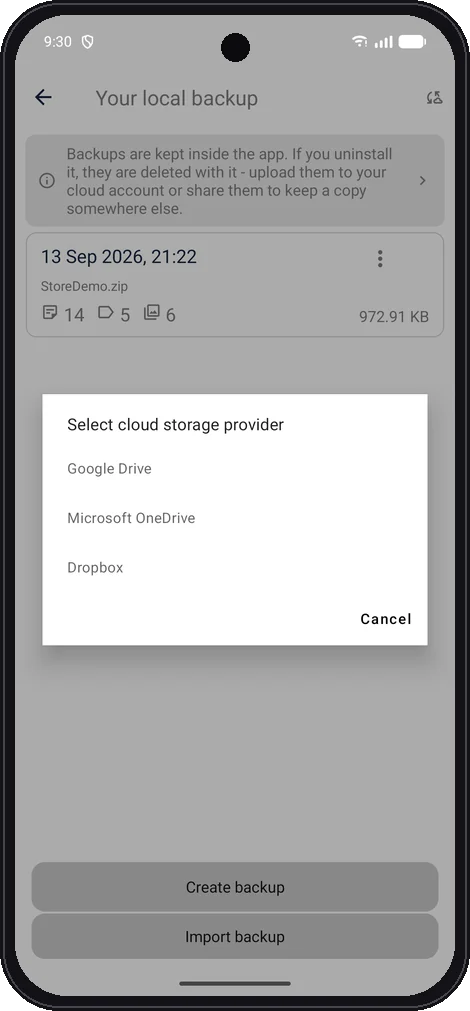
There is no account and no server holding your notes: they are stored only on your device. Backups are protected by a password you choose and go to your own Google Drive, OneDrive or Dropbox – never to us.
Features
Everything you need to write, organise and protect your notes.
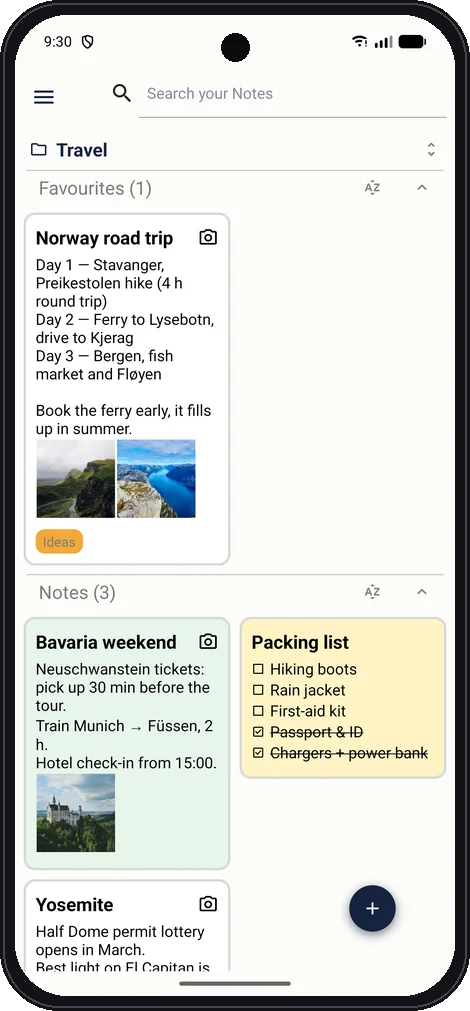
Folders, with their own password or hidden
Photos from camera or gallery in your notes
Voice memos and speech-to-text
Checklists with due dates and drag-and-drop
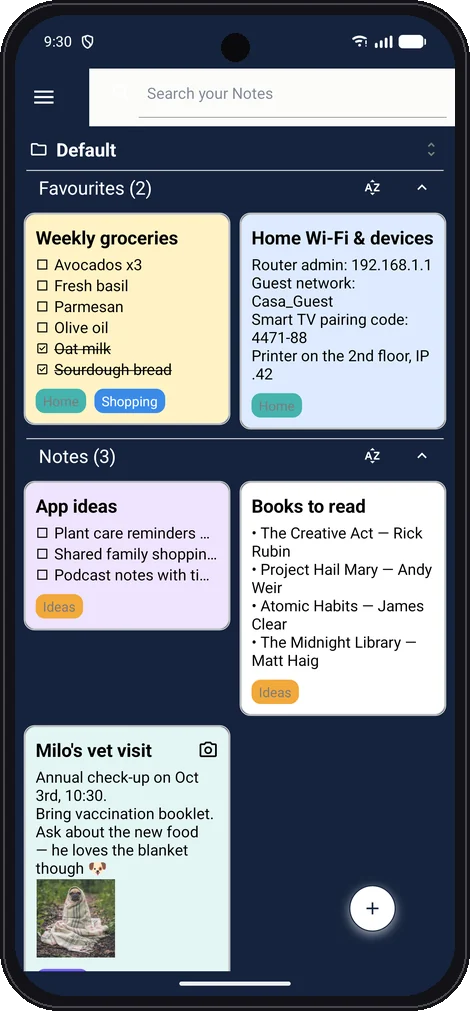
Tags, favourites, search, archive and bin
PIN, fingerprint, face unlock and decoy PIN
Encrypted backups to Google Drive, OneDrive or Dropbox
Export to PDF and share password-protected notes
Dark mode, colours and your choice of font